Become an editing master with PhotoWidget!
We provide a variety of image editing options for you to choose from in order to create stunning images!
Please check the information below to learn more about each feature and
how to utilize it to create the perfect image for your home screen! 💕
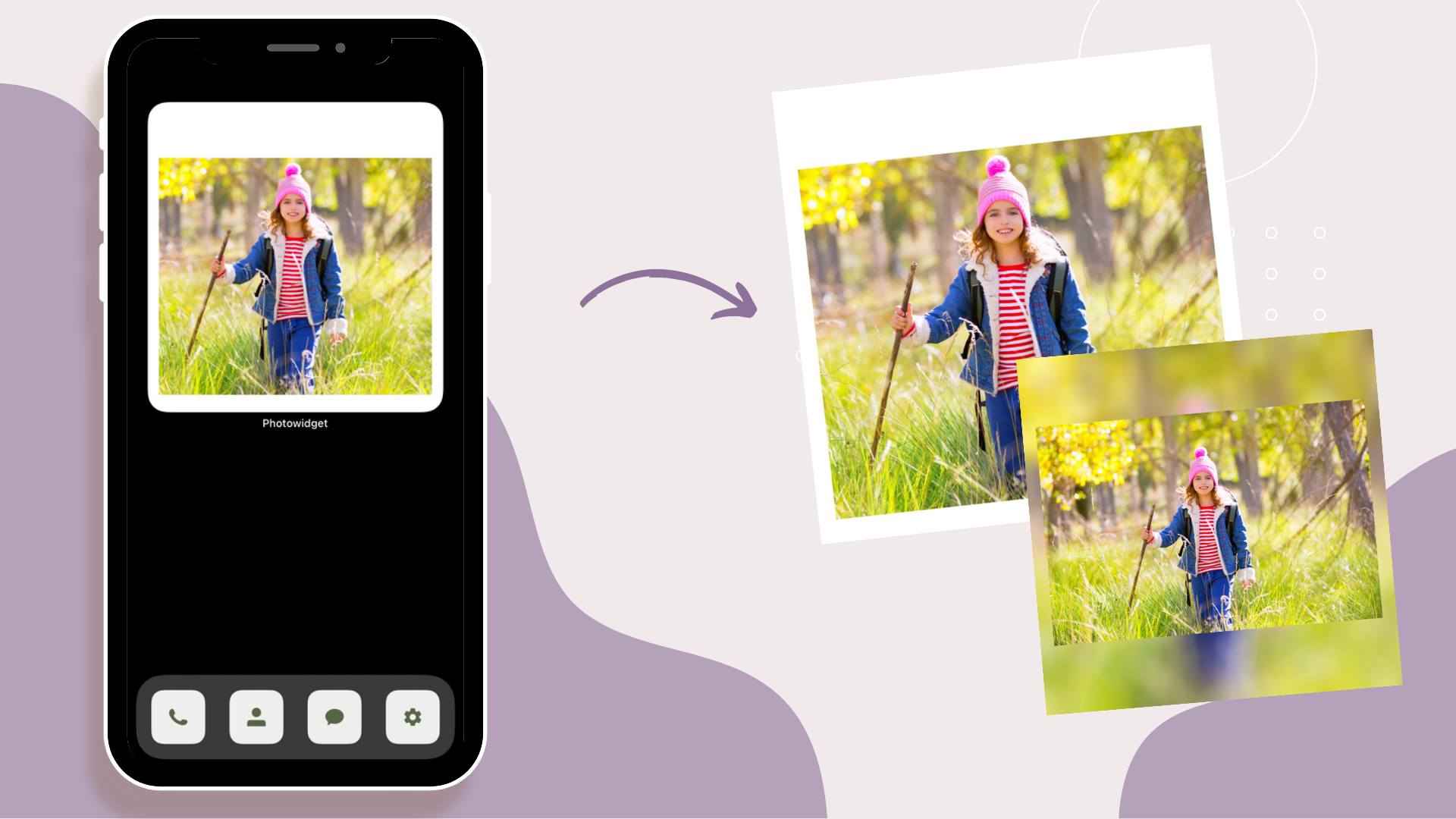
Crop

Use the crop tool to resize your image to the desired image or widget size.
You can freely choose from the available options or move the image around with your fingers!
You can also rotate images 90° left, 90° right, use the mirror effect, and also flip it!

Border
Add a border with the color and width of your choice.
You can do so by choosing your color of preference and adjusting the slider!
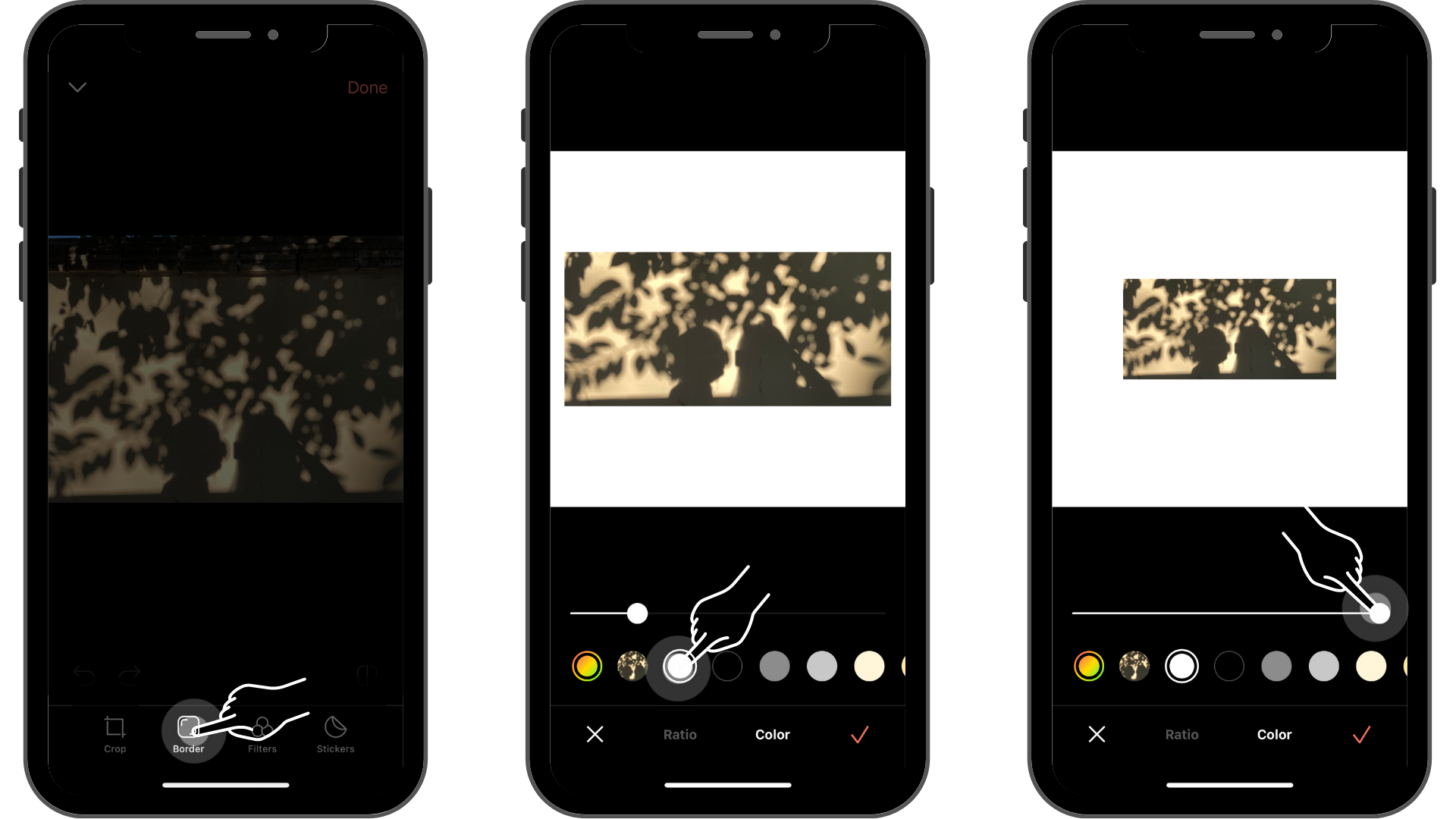
🍪 TIP
You can apply an image to the border area by
clicking on the circle with the image inside!
Filters
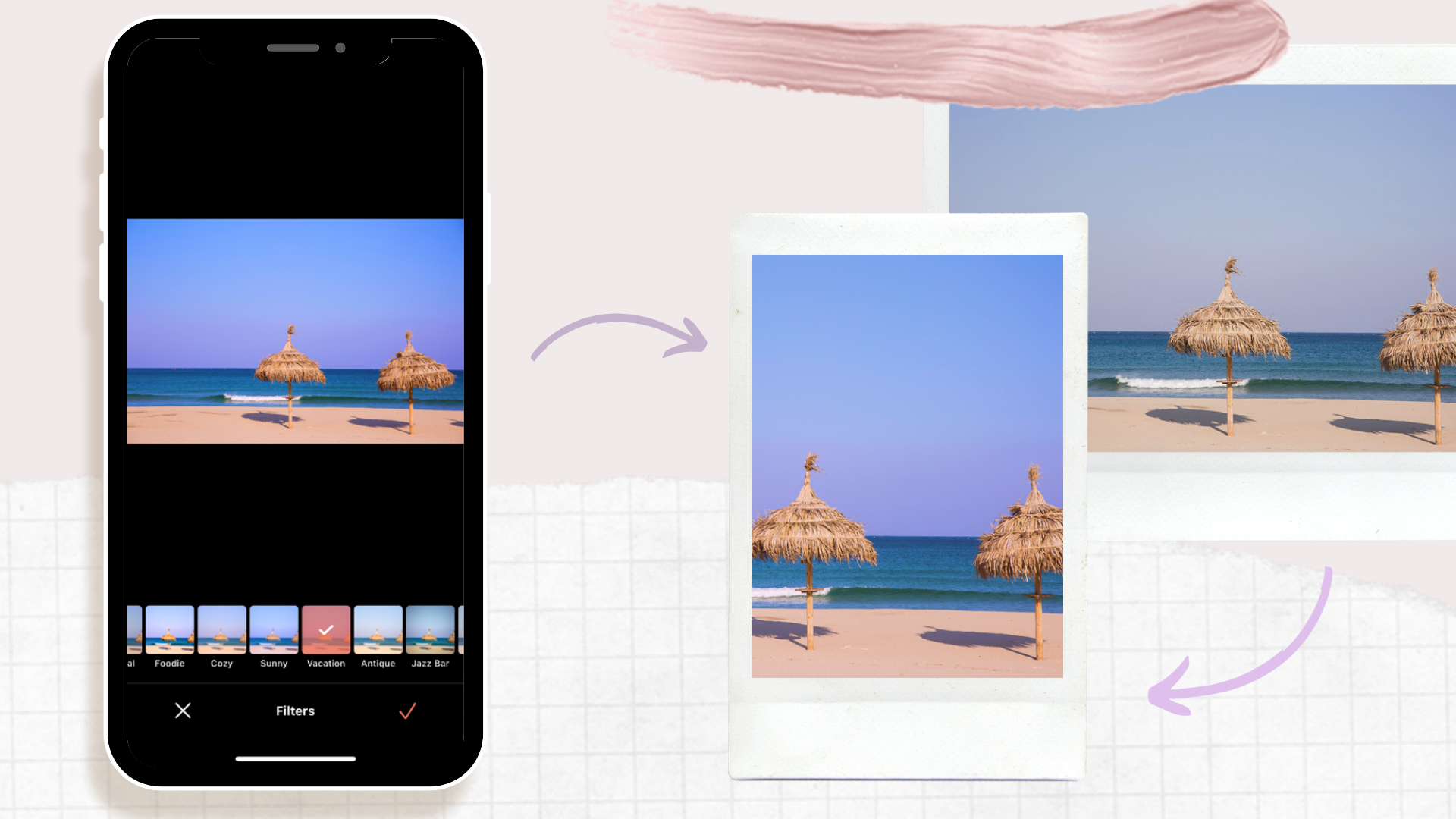
Select filters from the list to boost up the image's mood!
(It will help give a unique touch to your images 😎)

Stickers

Let's add the cherry on the top! 🍒
Add as many stickers as you want.
Things you can do on Stickers!
1. Add as many stickers as you want by clicking on [Add] and selecting the stickers
2. Edit each sticker (change opacity, duplicate, mirror, manage layers)

And that's a wrap!👋
Now, by using various image editing functions of PhotoWidget,
you can personalize your homescreen even better!
Hope you found this article helpful!
Don't forget to share your incredible widgets to us through instagram 💕
'News > EN' 카테고리의 다른 글
| [Photowidget X Picsart] Decorate your home screen by creating more stunning images! (0) | 2022.09.07 |
|---|---|
| How about a couple theme with your loved one?(๑˘ꇴ˘๑) (0) | 2022.03.08 |
| A new category has been added! 😆 (0) | 2022.02.25 |
| PhotoWidget grand themes update completed! 🎉 (0) | 2022.01.16 |
| Happy New Year 2022❤️ Check out New Year's Theme! (0) | 2021.12.24 |


